
Direct Answer
Scout near a large Water source with abundant Sand and room to expand. Produce Gold for Research, then automate solid and fluid transport. Once hauling is covered, explore for Fluxite, augments, creatures, and Artifacts.
Beginner quick facts
Your first factory, in order
- 1
Scout before committing
Look for a large Water source, abundant Sand, and open ground for later belts and processing lines. Use the minimap and objective arrows to compare nearby terrain before placing a permanent base.
- 2
Establish Gold production
Early progression depends on Water and Sand, with Wet Sand feeding the broader production chain. The Shaker, Kinetic Press, and Planter Box are the three core Gold-producing structures named by the official Beginner's Guide.
- 3
Spend the right currency
Use Gold for Research and Fluxite for inventory Upgrades. Factory Level gates more advanced Research, so there is no single verified research order that fits every generated world.
- 4
Replace routine hauling with logistics
Use Belts and Launchers for solids, Filters for sorting, and Pumps, Pipes, and Liquid Vents for fluids other than lava. Keep different fluids on separate lines when the output must be predictable.
- 5
Explore while the factory runs
Search beyond the base for underground Fluxite, augments, useful creatures, ancient ruins, and alien Artifacts. Exact locations vary, so use exploration tools rather than relying on universal coordinates.
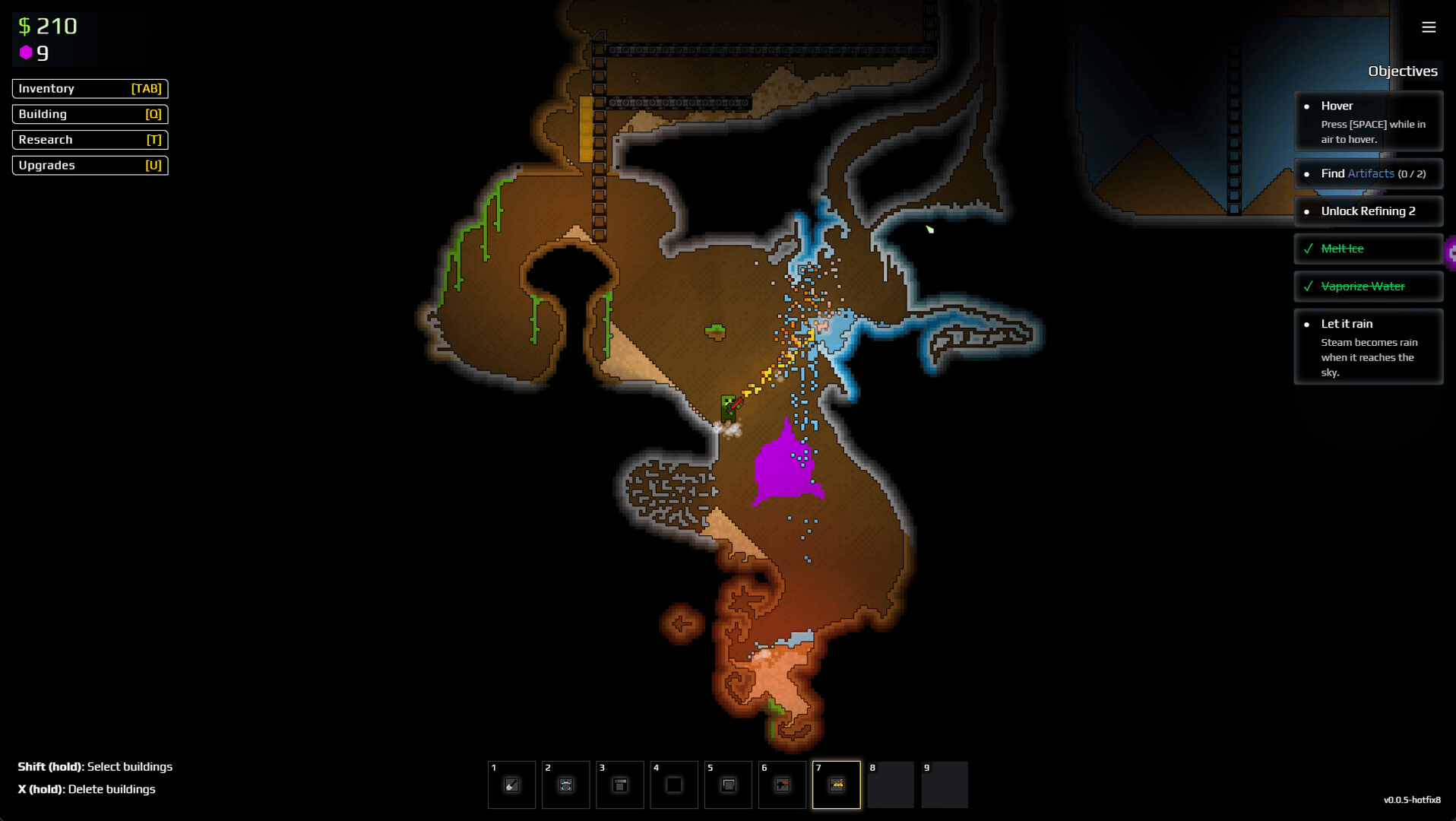
Choose the right logistics tool
Match the transport method to the material instead of forcing every input through one route.
| Tool | Best use | Important limit |
|---|---|---|
| Conveyor Belts | Horizontal transport for solid resources | Operate without power |
| Launchers | Vertical or diagonal solid transport | Throw material from the higher end; operate without power |
| Filters | Allow or block one solid resource | Use Advanced Filters later for solids, liquids, and gases |
| Pumps, Pipes & Vents | Move fluids other than lava | Separate fluid lines because a vent prioritizes the nearest liquid |
Controls worth learning first
Select a structure before copying a working setup.
Copy a selected factory structure or repeated section.
Paste the copied setup to speed up expansion.
Switch hotbars without rebuilding your item selection.
Keybinds can be remapped or changed between versions. If a shortcut does not match, use the current in-game Controls menu as the final reference.
Common beginner problems
The base keeps running short on Water
- Likely cause
- The starting source is too small for the early Water-and-Sand loop.
- Fix
- Scout for a larger lake before expanding permanent production lines.
The wrong fluid exits a Liquid Vent
- Likely cause
- More than one fluid shares the line, and the vent prioritizes the nearest liquid.
- Fix
- Give important fluids separate Pumps, Pipes, and Liquid Vents.
Mixed solids are blocking production
- Likely cause
- Different resources share a route without the correct Allow or Block filter.
- Fix
- Split the line or add Filters before the sensitive machine input.
Research and Upgrades feel stalled
- Likely cause
- Gold and Fluxite are being treated as if they serve the same progression system.
- Fix
- Route Gold toward Research and reserve Fluxite for tools, weapons, and drone Upgrades.
Sources
Gameplay details were checked against the official Beginner's Guide and current Steam listing.